> For the complete documentation index, see [llms.txt](https://docs.adena.app/llms.txt). Markdown versions of documentation pages are available by appending `.md` to page URLs; this page is available as [Markdown](https://docs.adena.app/user-guide/sign-in/set-up-multi-sig-account/multi-sig-account.md).

# Multi-sig Account

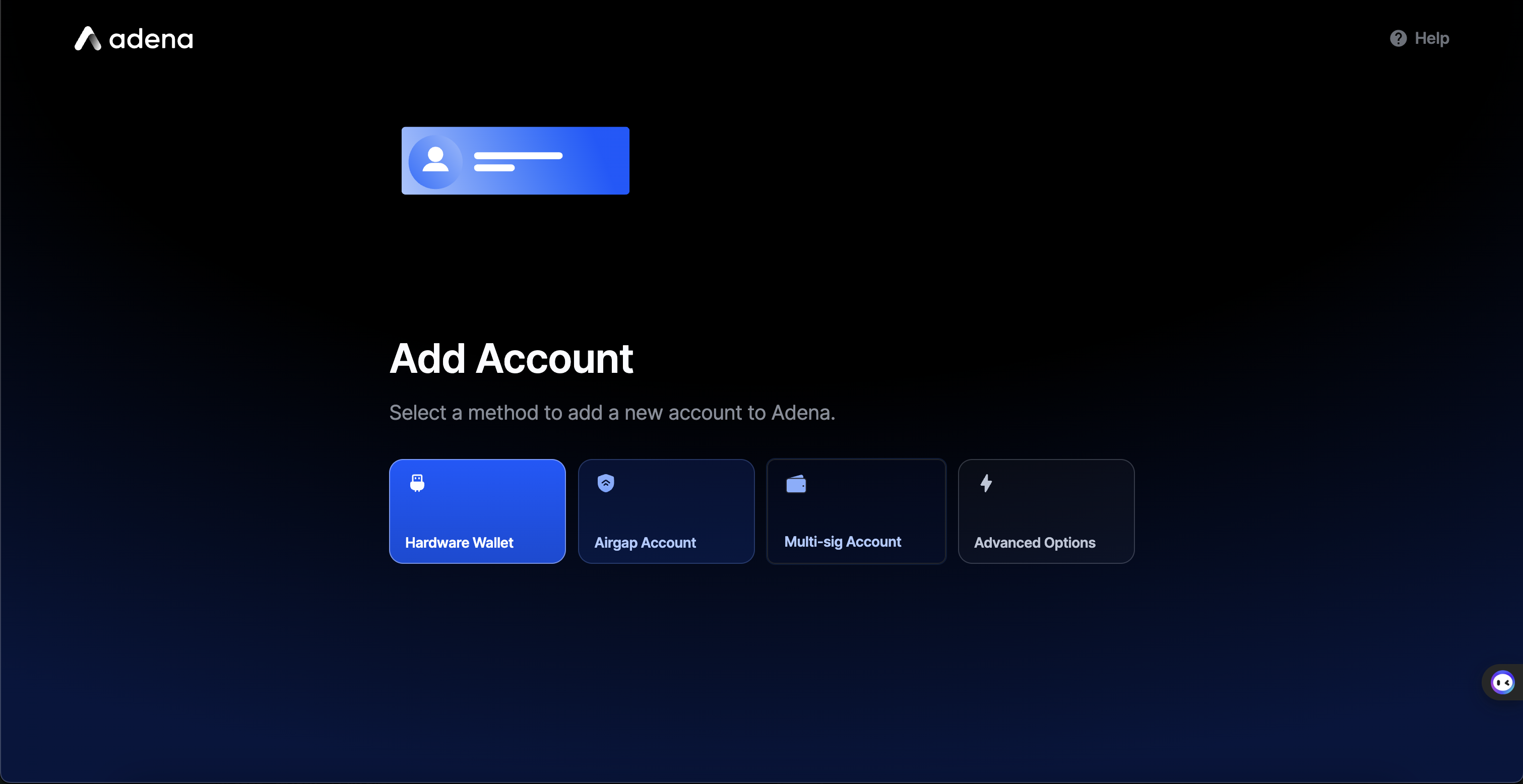
1. Select <mark style="color:$primary;">**Set Up Multi-sig Account**</mark>.

<figure><img src="/files/UM1qtckS78vEoPlDvAEX" alt="" width="563"><figcaption></figcaption></figure>

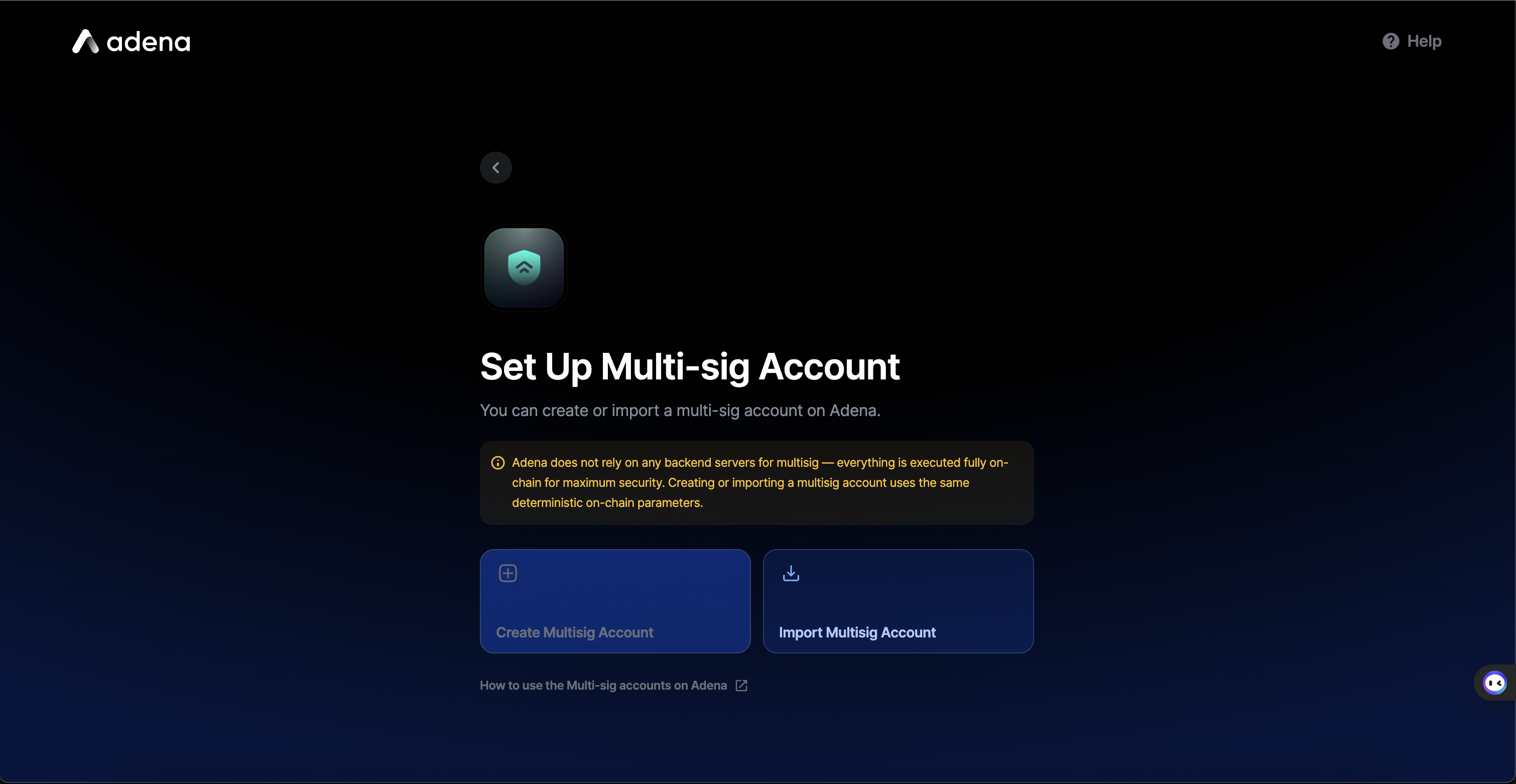
2. Confirm that you acknowledge how Multi-sig accounts work

<figure><img src="/files/ccibefy8VwihAsbhhLbU" alt="" width="563"><figcaption></figcaption></figure>

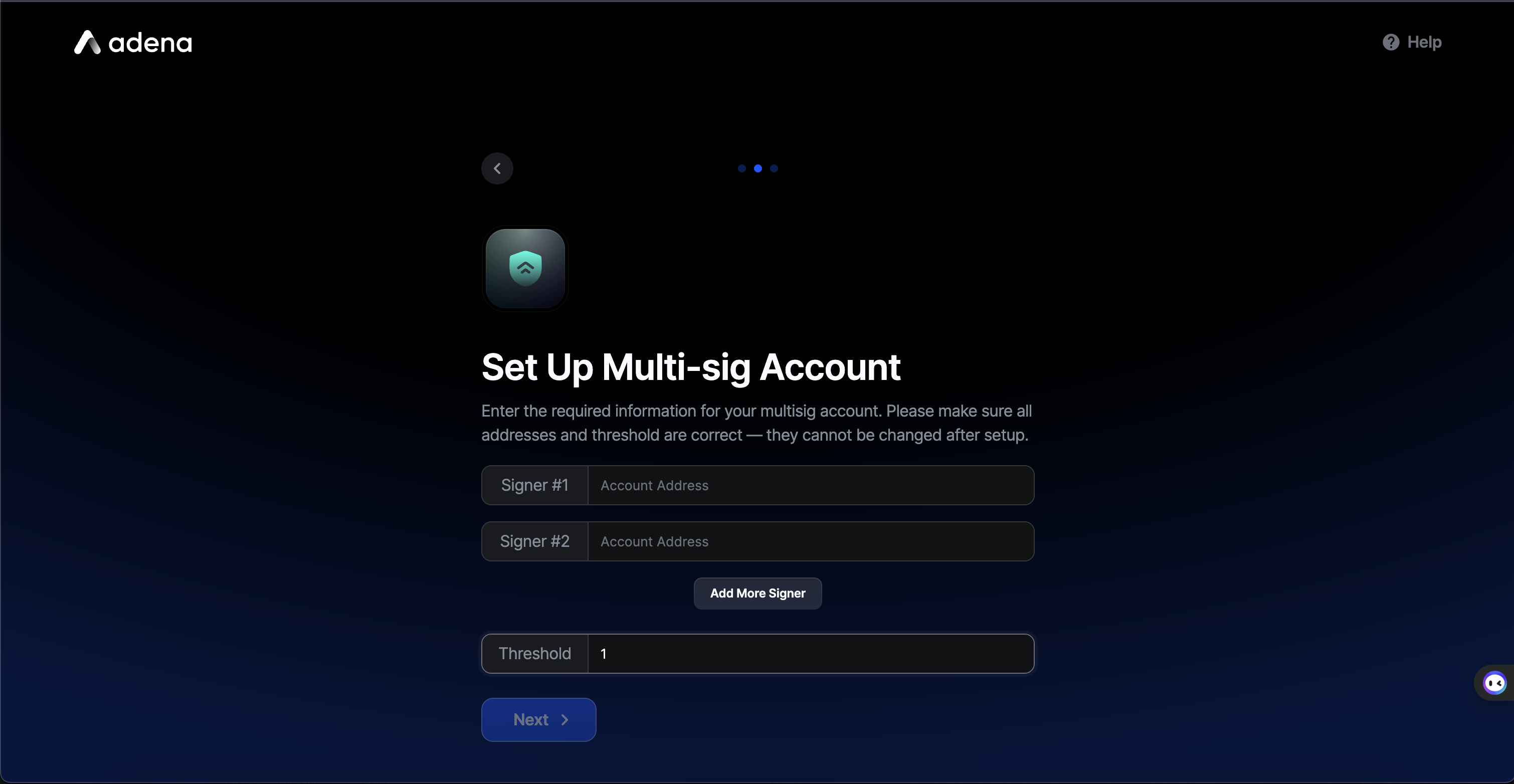
3. Enter signer addresses and threshold

<figure><img src="/files/3dyrrVFdqPdzZ4BMoib3" alt="" width="563"><figcaption></figcaption></figure>

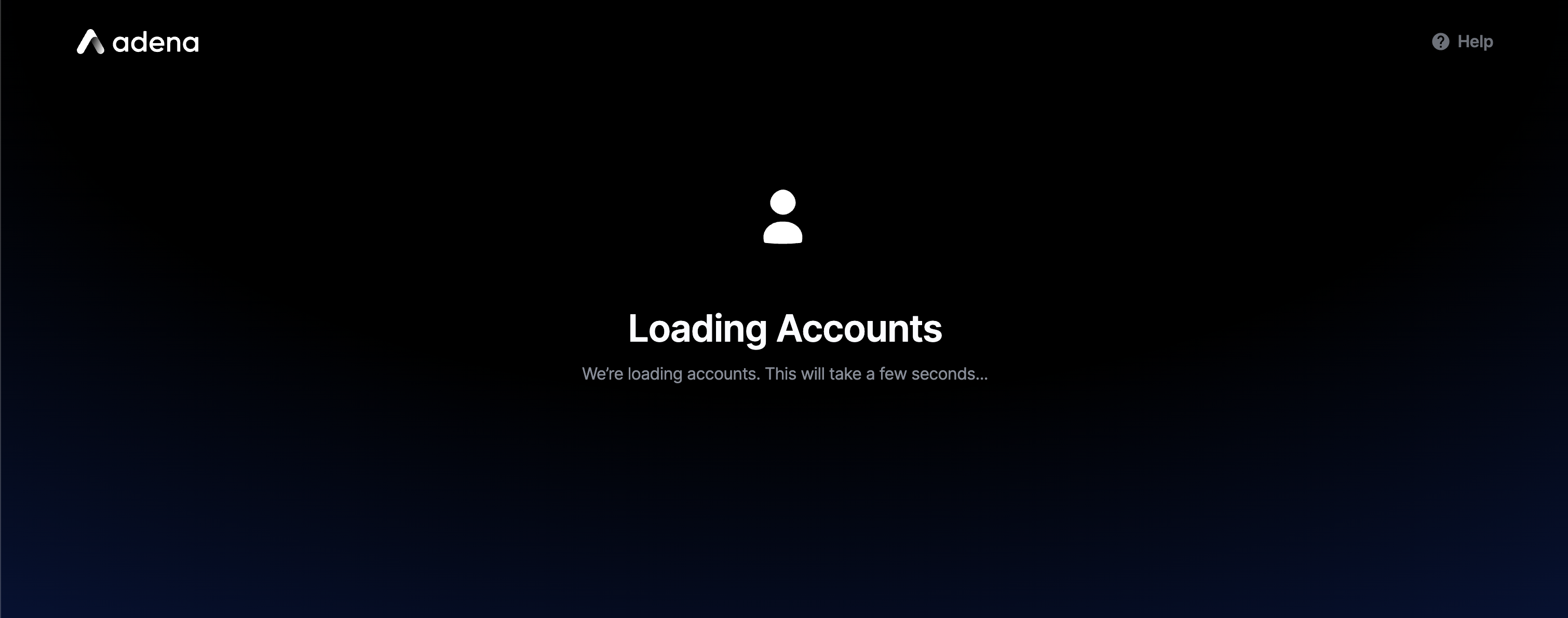
4. Wait for your account to sync

<figure><img src="/files/oSOh0gjGSxfSABAke4hw" alt="" width="563"><figcaption></figcaption></figure>

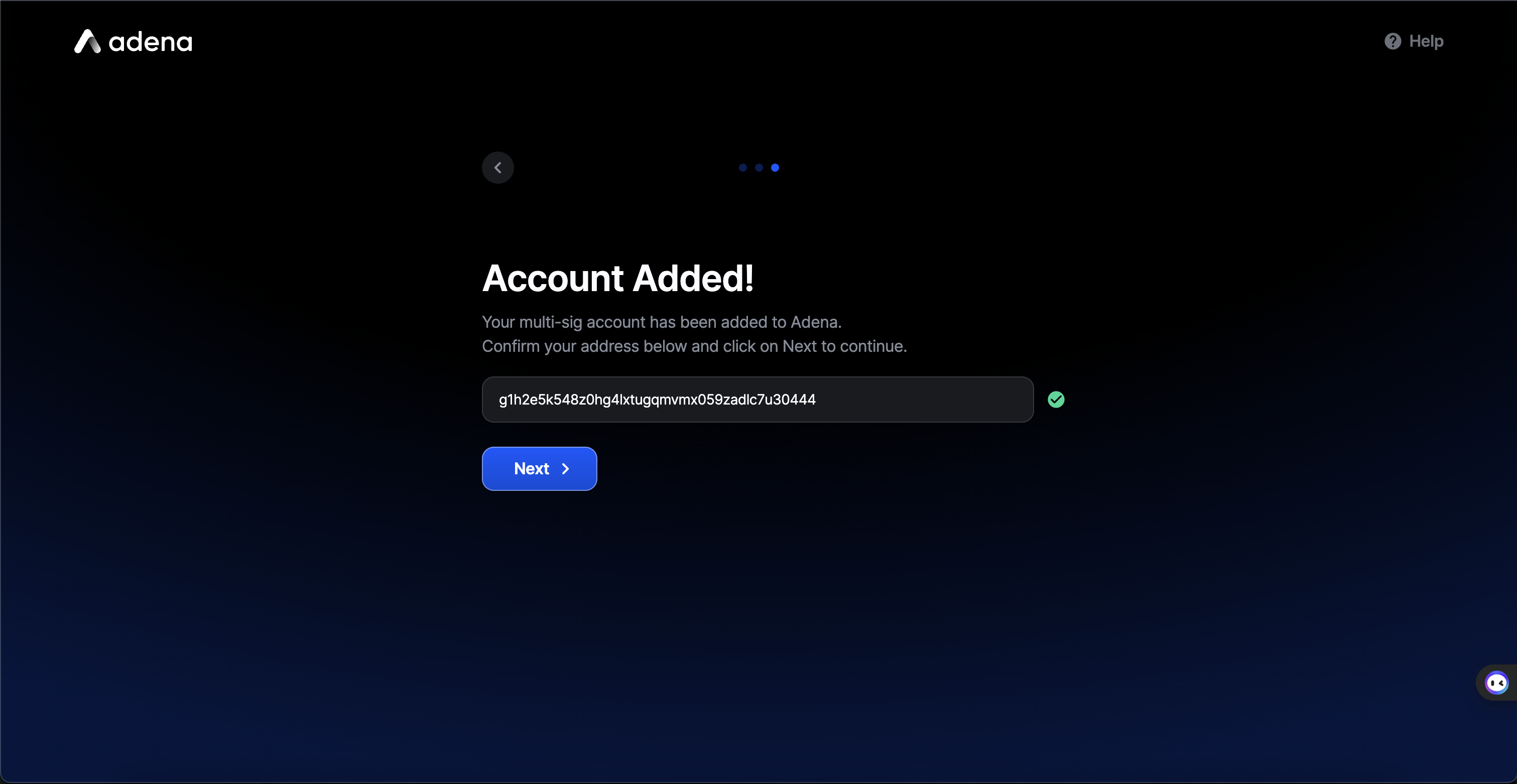
5. Confirm your multi-sig account address

<figure><img src="/files/8XPdQ2VsSCduk2O4pQPZ" alt="" width="563"><figcaption></figcaption></figure>

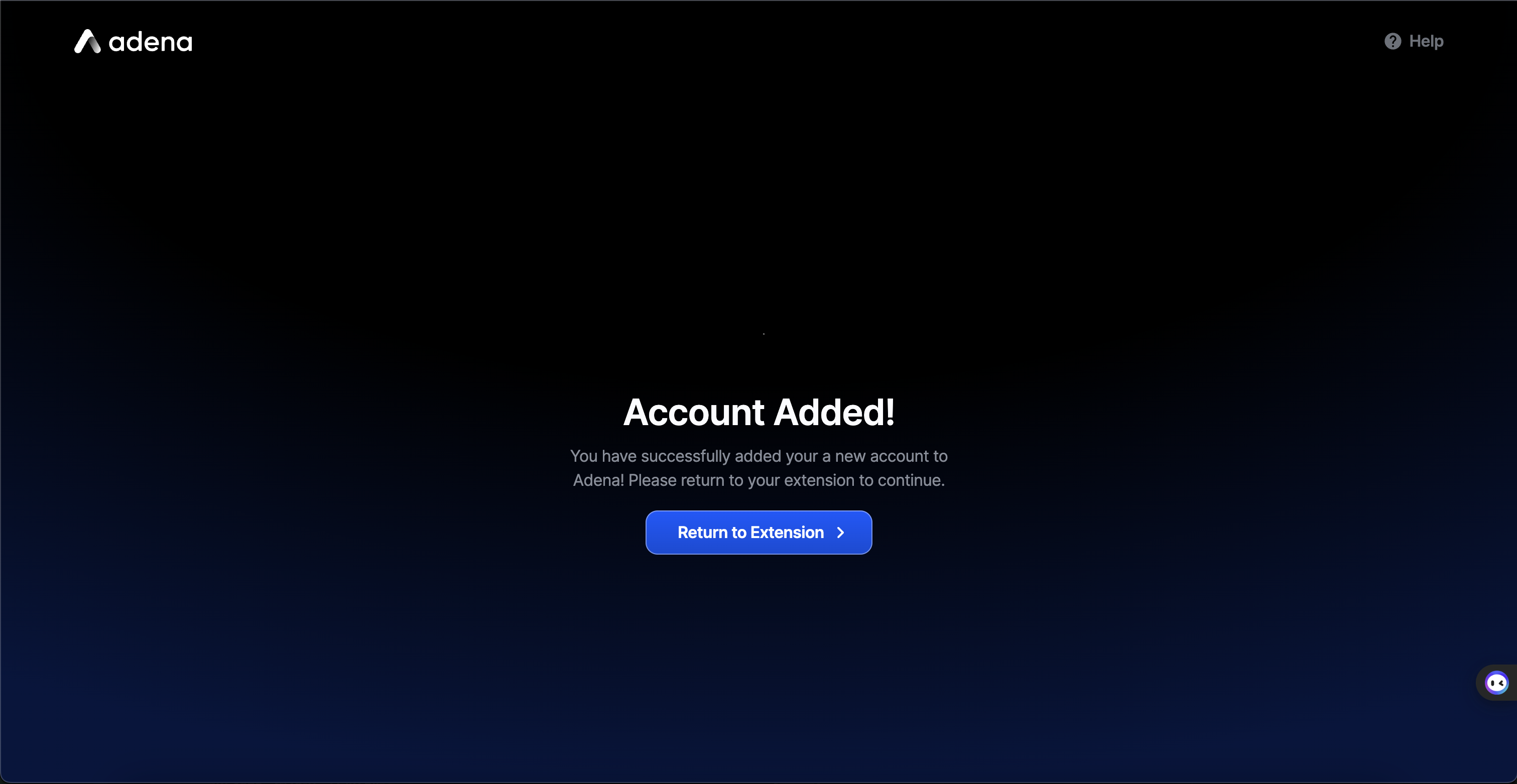
6. Setup Complete!

<figure><img src="/files/cr9FGriCIyAceg8pb1CX" alt="" width="563"><figcaption></figcaption></figure>