> For the complete documentation index, see [llms.txt](https://docs.adena.app/llms.txt). Markdown versions of documentation pages are available by appending `.md` to page URLs; this page is available as [Markdown](https://docs.adena.app/user-guide/wallet/send/multi-sig-accounts.md).
# Multi-sig Accounts
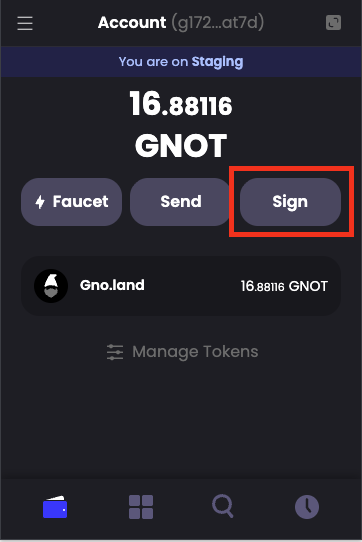
1. **Create an unsigned transaction file from Adena**
In a multi-sig environment, transactions must be signed by multiple authorized parties before they can be broadcast to the blockchain. This means that you must create an unsigned transaction file, collect signatures from the required number of signers, and then broadcast the fully-signed transaction. Please refer to [this section](/integrations/transactions/create-a-multisig-transaction.md) or [gno.land docs](https://docs.gno.land/users/interact-with-gnokey/#2-creating-an-unsigned-transaction-locally) for a detailed guide on creating transaction files.
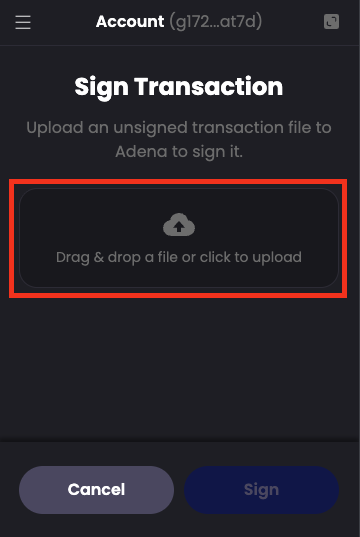
2. **Upload the transaction file**
Each authorized signer should upload the unsigned transaction file (.tx) to Adena wallet to review and sign it.
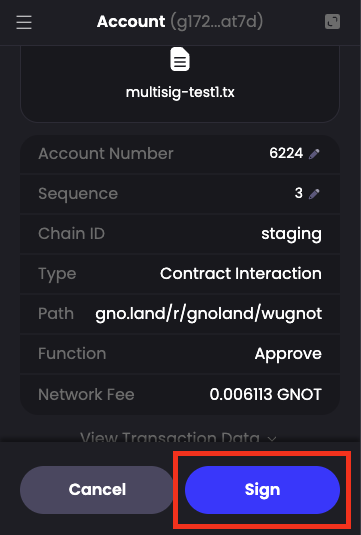
3. **Review the transaction**
Adena will display the transaction details. Each signer should carefully review
4. **Sign the transaction**
If the transaction details are correct, click the **Sign** button to create your signature.
> Signing using gnokey: [signing-the-transaction](https://docs.gno.land/users/interact-with-gnokey/#3-signing-the-transaction)
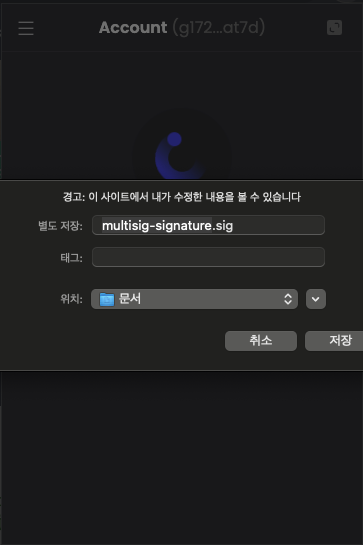
5. **Download signature file**
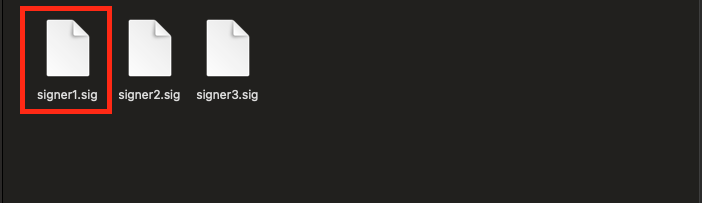
After signing, Adena will allow you to download a signature file (.sig) containing your signature. Save this file to your device.
6. **Share signature files**
Each signer should share their signature file (.sig) with the person who will broadcast the final transaction. Once enough signatures are collected to meet the multisig threshold, the transaction can be broadcast to the blockchain.
7. **Collect signatures from authorized signers**
Share the unsigned transaction file (.tx) with other authorized signers. Each signer must:
* Import the unsigned transaction file into their Adena wallet
* Review and sign the transaction with their private key
* Export the signature file (.sig)
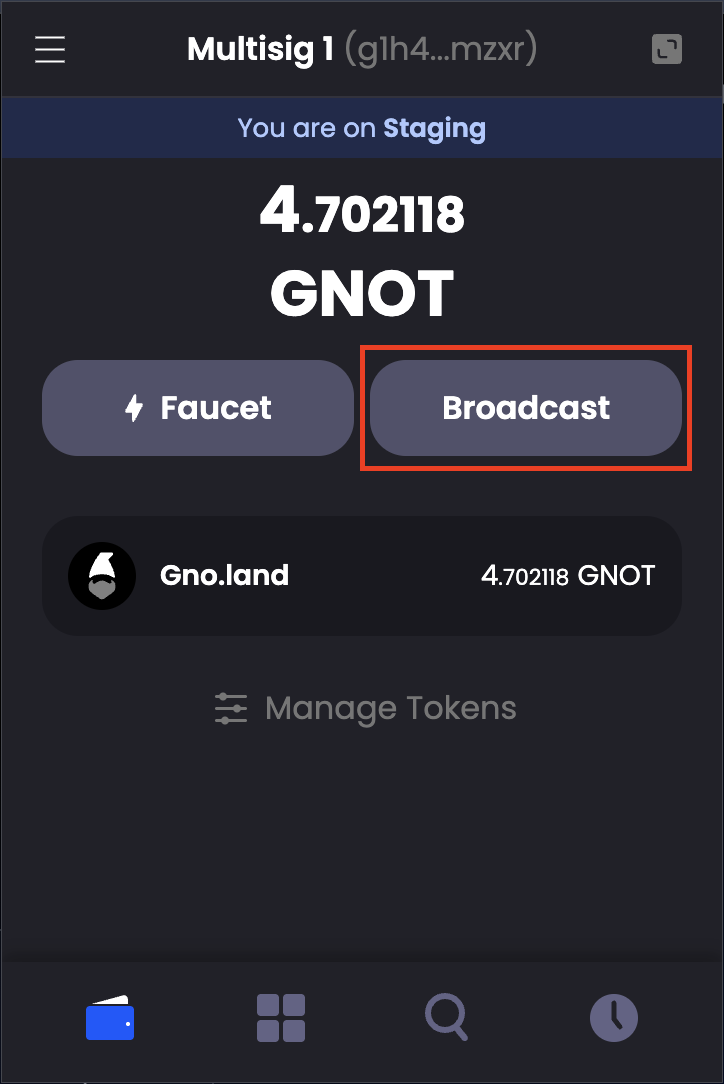
8. **Click on Broadcast**
Once you have collected the required number of signature files, open Adena and navigate to the Broadcast function.
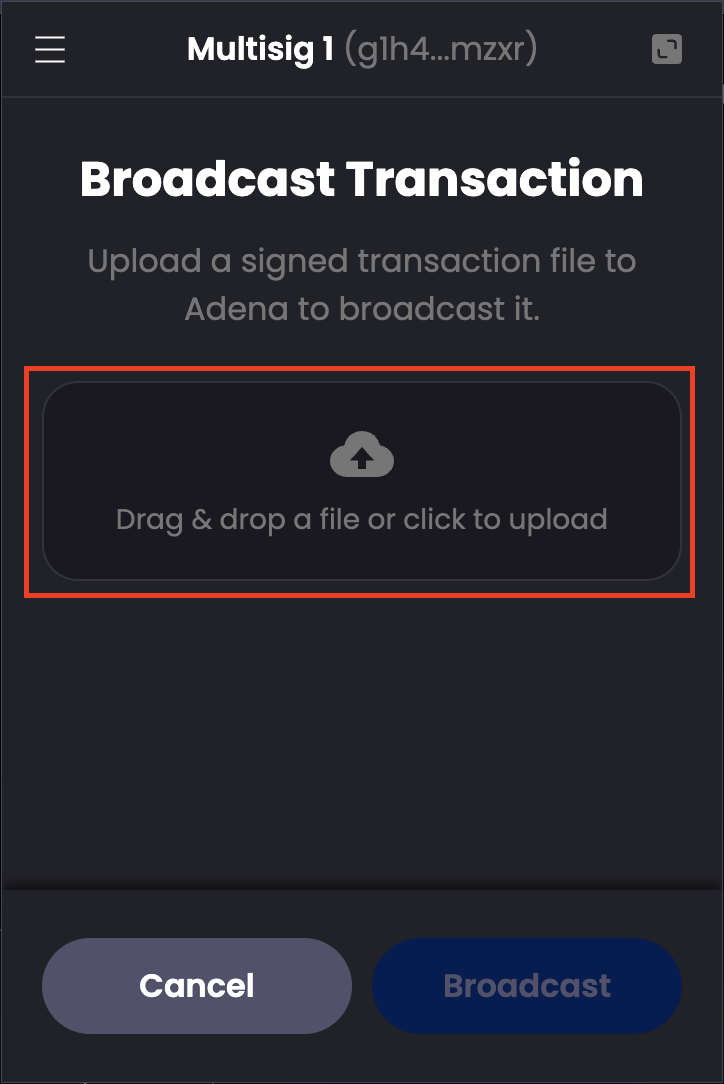
9. **Drag and drop or upload the transaction file**
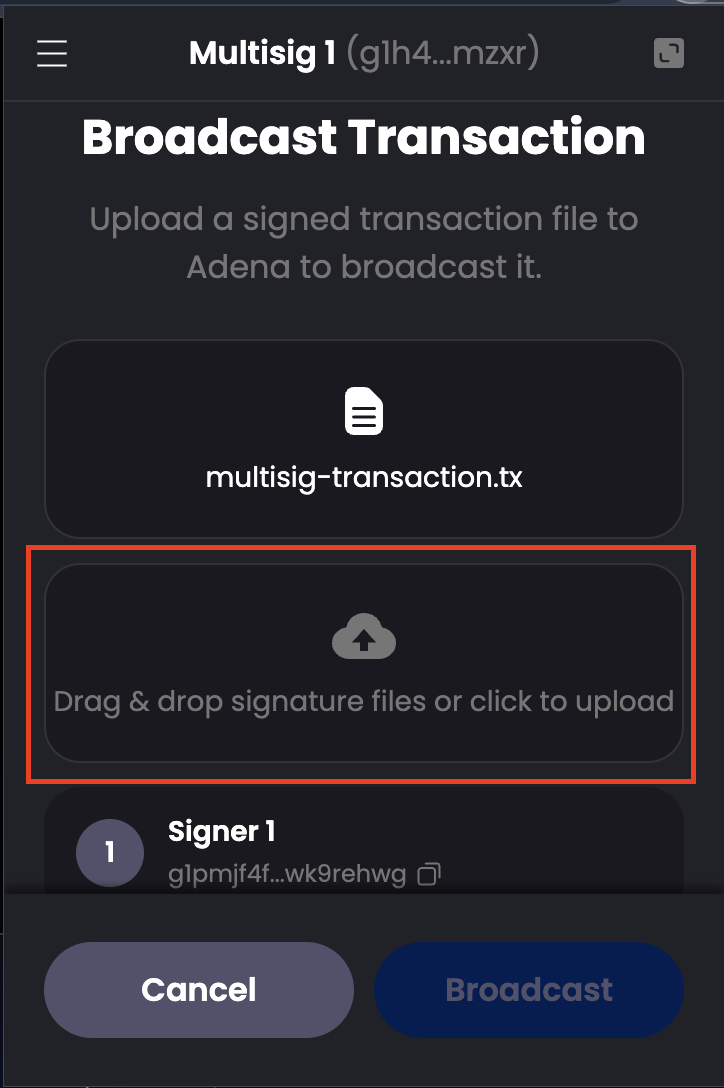
Upload the unsigned transaction file (.tx) along with all the collected signature files (.sig) from authorized signers. You can upload multiple .sig files at once.
10. **Broadcast**
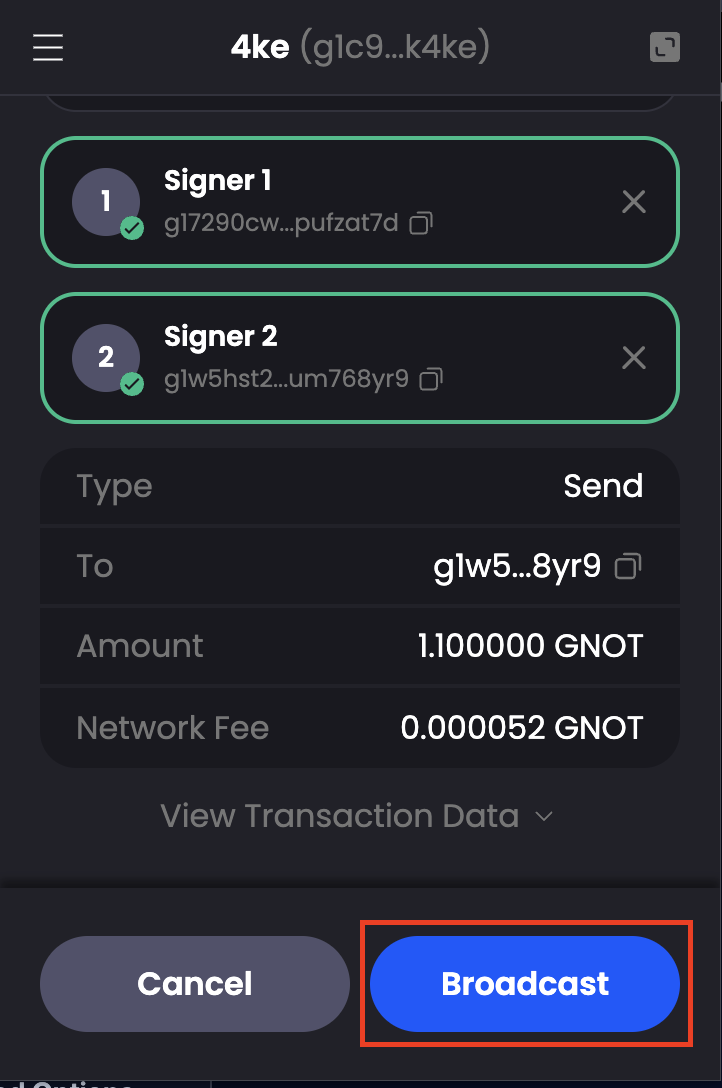
Adena will automatically interpret your files and display a preview showing all collected signatures. Review the transaction details and the list of signers, then click on **Broadcast** to complete your transaction.