> For the complete documentation index, see [llms.txt](https://docs.adena.app/llms.txt). Markdown versions of documentation pages are available by appending `.md` to page URLs; this page is available as [Markdown](https://docs.adena.app/integrations/displaying-your-app.md).
# Displaying Your App
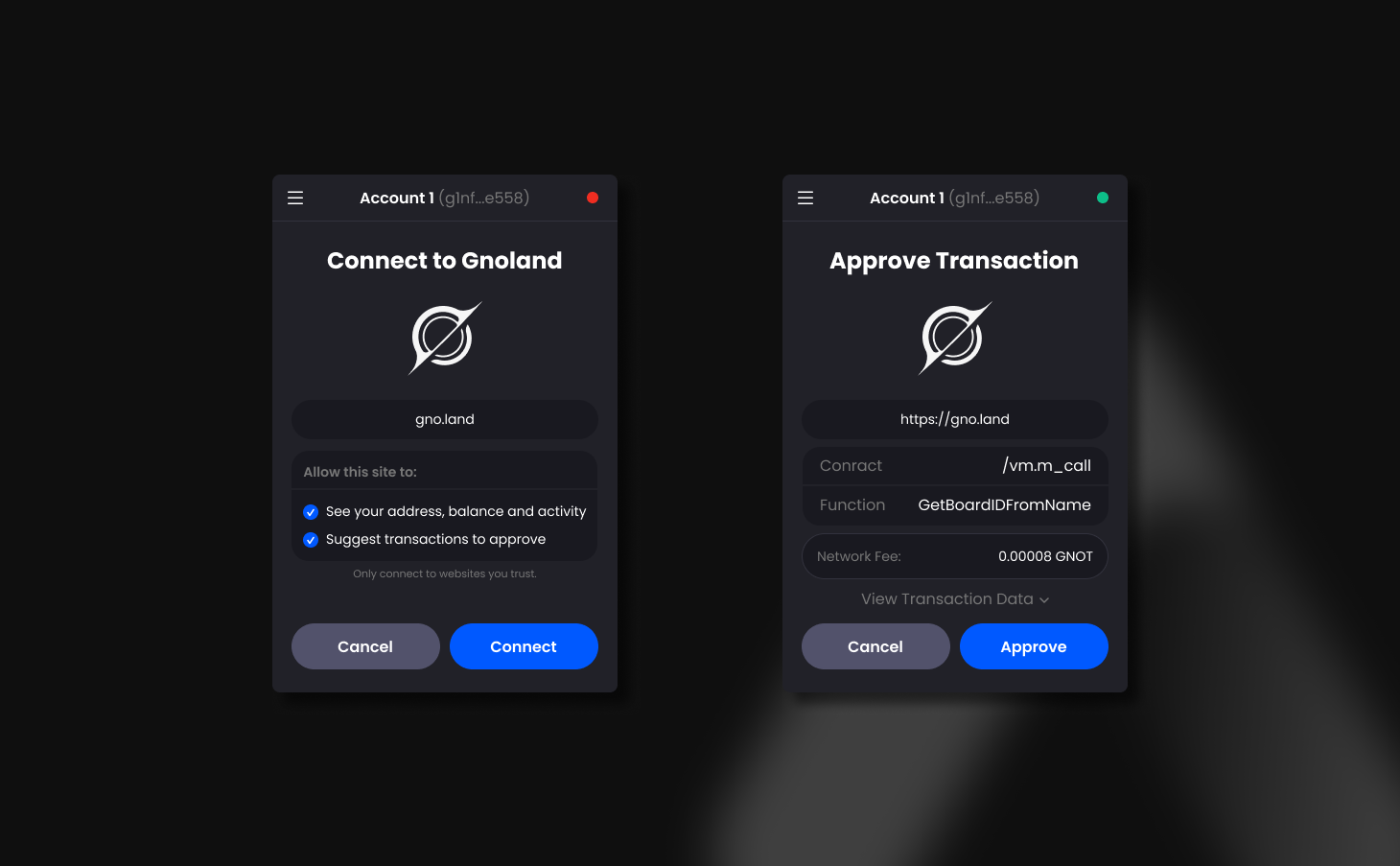
Upon receiving a connection or an approval request from a web application, Adena interprets the data in a human-readable format for users. To customize how you would want your title and your logo to be displayed, see the table below for **where you should store your assets**.